
SSD Recovery Oman
SSD Data Recovery in Oman
A failed SSD can lock you out of years of personal files, business records, photos, and important projects. The drive may appear dead, but the data is not always lost.
Royal iRecovery provides professional SSD data recovery in Muscat and across Oman. We assess SATA, M.2, and NVMe SSDs affected by electronic failure, formatting, bad sectors, damaged connectors, and other physical or logical problems.
- 25+ years of experience
- Free initial diagnosis
- Specialized PC-3000 technology
- Secure and confidential service
- No recovery fee if the recovery is unsuccessful
Before You Do Anything
Stop Using the SSD
Do not format, initialize, or repeatedly reconnect an SSD if the data is important. Avoid installing random recovery software or saving new files to the drive.
Continued use may overwrite deleted data or worsen an electronic or firmware failure.
Warning signs
Disconnect the SSD and contact Royal iRecovery if:
- The SSD is not detected
- The computer no longer starts
- The SSD becomes unusually hot
- Files have disappeared
- The drive has been formatted
- The SSD was damaged by a power surge
- The connector or circuit board is burnt
- The system reports read errors or bad sectors
Logical · Electronic · Physical
SSD Problems We Assess
SSD recovery requires a different approach from mechanical hard drive recovery. An SSD uses a controller, firmware, and NAND memory chips to store and organize data.
Royal iRecovery assesses SSDs affected by:
- Controller failure
- NAND flash degradation
- Firmware corruption
- Electronic component failure
- Burnt circuit boards
- Power surges
- Damaged connectors
- Bad sectors or unreadable blocks
- Accidental formatting
- Deleted partitions
- File-system corruption
- Water or physical damage
Diagnosis comes first. The SSD must be diagnosed before the recovery method and the likelihood of recovery can be determined.
Electrical Damage
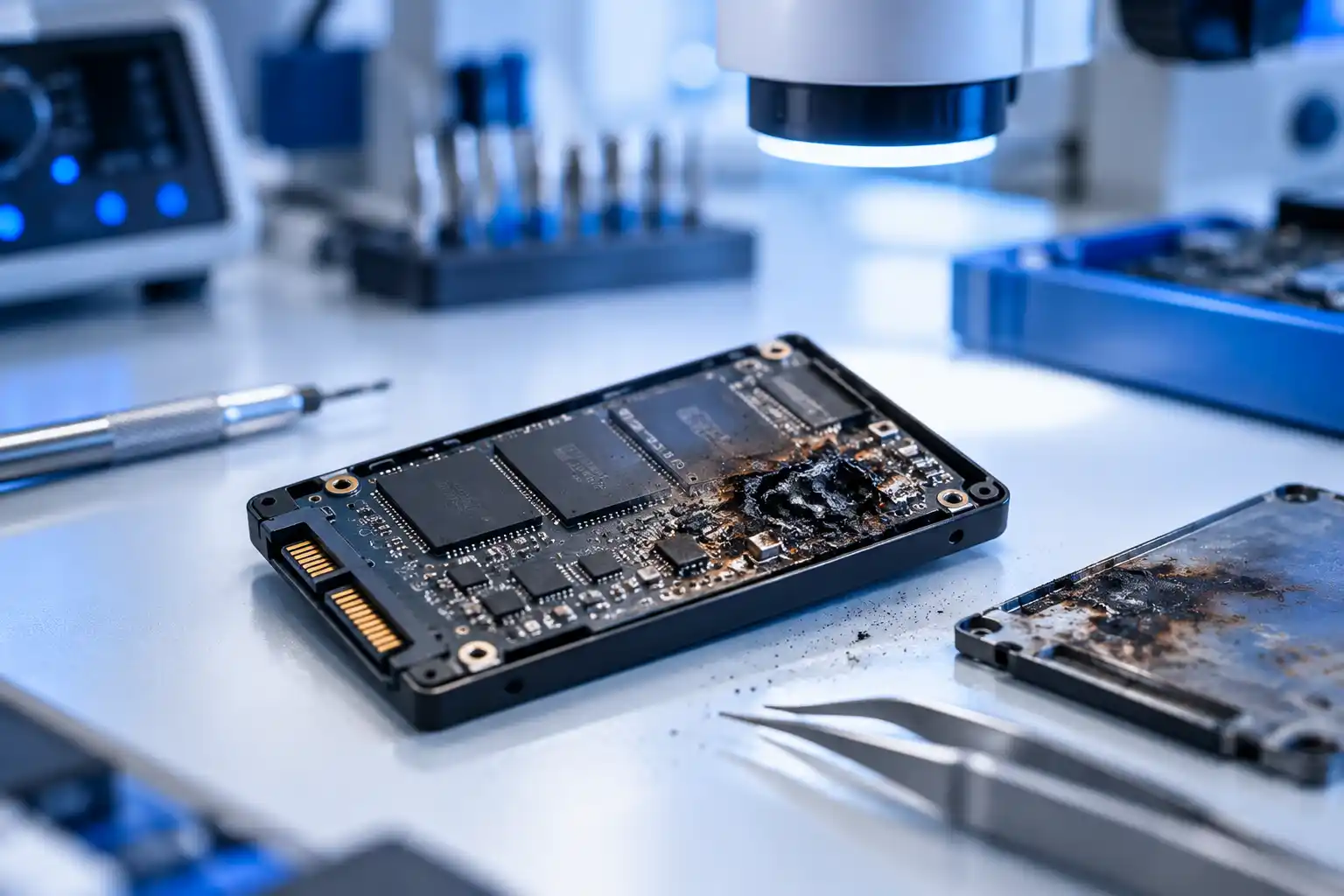
Data Recovery From a Burnt SSD
A power surge, faulty power supply, or incorrect connection can burn components on the SSD circuit board.
Depending on the damage, recovery may involve diagnosing the power circuit, stabilizing the drive, and accessing the NAND memory through a supported professional method.
If you smell burning or see heat damage, disconnect the SSD immediately. Do not test it with another computer or enclosure.
Burnt SSD overview
Common causes
- Power surge
- Faulty power supply
- Incorrect connection
Formatted Drives
Recovering a Formatted SSD
Recovering a formatted SSD may be possible, but SSDs behave differently from hard drives.
Features such as TRIM and garbage collection can remove deleted data in the background.
Turn off the device as soon as possible and avoid reinstalling the operating system.
Recovery factors
The recovery chance depends on:
- The type of formatting
- Whether TRIM was active
- How long the SSD remained powered on
- Whether new data was written
- The file system and encryption
- The condition of the NAND memory
Not Detected
Data Recovery for an Undetected SSD
An SSD that does not appear in the BIOS, Disk Management, or the operating system may have a controller, firmware, power, or circuit-board problem.
- BIOS
- Disk Management
- The operating system
Recovery software cannot scan a drive that the computer cannot communicate with. The SSD must first be inspected with specialized diagnostic equipment.
Royal iRecovery assesses undetected SATA, M.2, and NVMe SSDs to identify the failure and determine the available recovery options.
NAND Memory Errors
Recovering an SSD With Bad Sectors
SSDs do not have physical sectors like mechanical hard drives, but their memory blocks can become weak or unreadable. The computer may report these problems as bad sectors or read errors. Common signs include:
- Files that will not open
- Very slow file transfers
- Frequent freezing
- Read or input/output errors
- Disappearing folders
- Unexpected system crashes
Continuing to copy files repeatedly may place more stress on the SSD. Create a controlled recovery image before the condition worsens.
Physical & Electronic Damage
Recovering a Damaged SSD
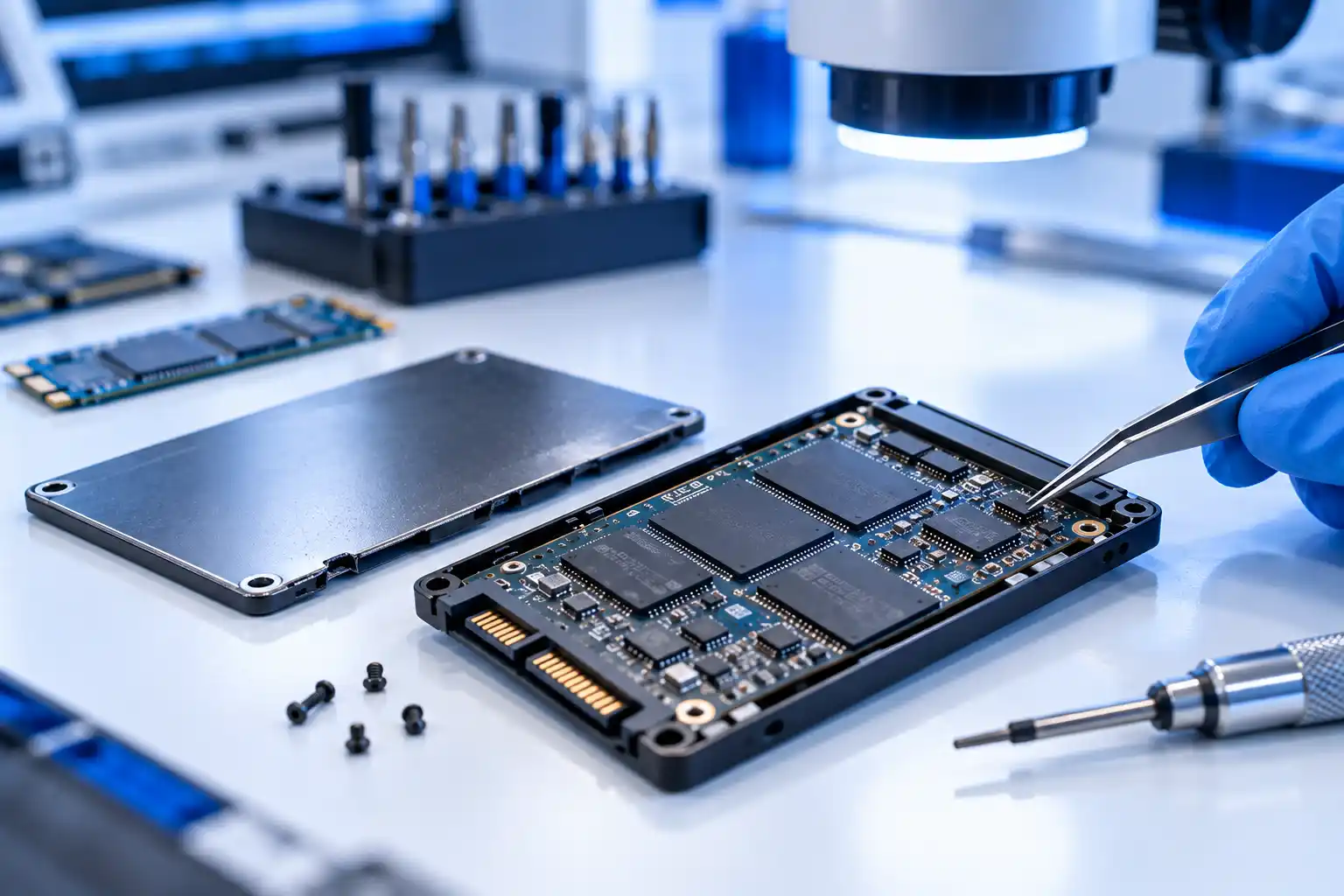
Royal iRecovery can assess SSDs damaged by:
- Power failure
- Liquid exposure
- Broken connectors
- Physical impact
- Excessive heat
- Failed firmware updates
- Electrical faults
- Component failure
Do not attempt soldering, controller replacement or chip removal at home. SSD components and stored data structures are closely connected, and an incorrect repair can make recovery impossible.
SATA & NVMe Form Factor
M.2 SSD Data Recovery
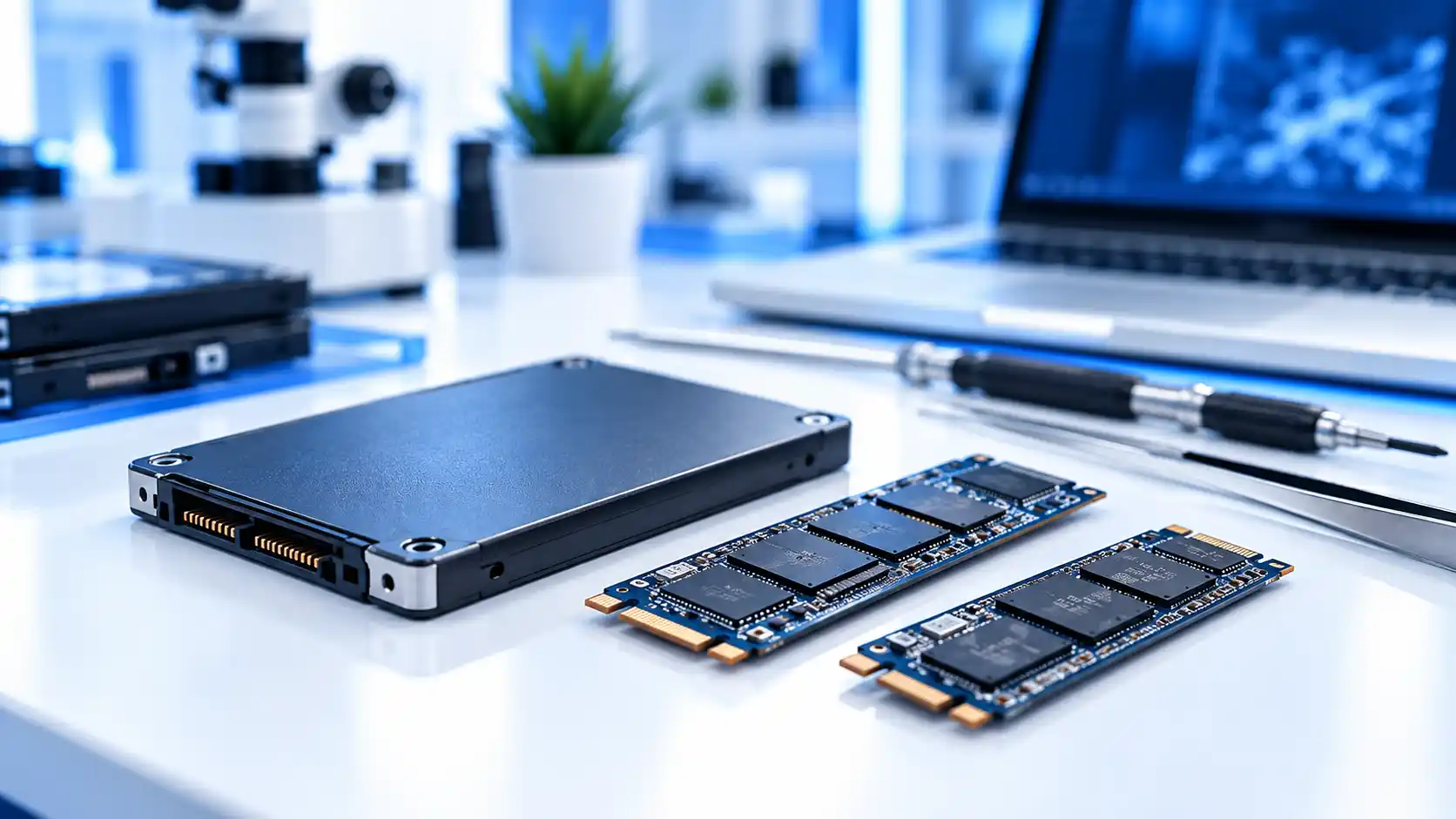
M.2 describes the physical shape of the SSD. An M.2 drive may use either the SATA or NVMe interface, so identifying the exact model is important.
M.2 SATA
SATA interface
M.2 NVMe
PCIe / NVMe interface
Our M.2 SSD data recovery service covers drives that:
- Are not detected
- Prevent the computer from starting
- Have damaged connectors
- Overheat or disconnect
- Contain formatted or inaccessible data
- Have electronic or controller faults
Send us the SSD model or a clear photograph if you are unsure which type you have.
High-Performance SSDs
NVMe SSD Data Recovery
NVMe SSDs offer high speed but can still fail because of controller faults, firmware problems, overheating, NAND degradation or electrical damage.
Our NVMe SSD data recovery process begins with a technical assessment of the drive, controller and memory condition. We then explain whether recovery is possible and which method is suitable.
We assess NVMe SSDs used in:
- Desktop computers
- Laptops
- Workstations
- External enclosures
- Servers and storage systems
Recoverable Files
What Data Can Be Recovered?
Depending on the condition of the SSD, we may recover photos, documents, projects, databases, and other important files.
No professional recovery center can guarantee the result before inspecting the SSD. We diagnose the drive first and give you a clear assessment.
Photos and videos
Business documents
Design and editing projects
Databases and accounting files
University and research files
Email archives
Personal folders
Application and system data
How It Works
Our SSD Data Recovery Process
A clear, six-step process from your first message to the secure delivery of your recovered files.
Tell Us About the Failure
Provide the SSD model, symptoms, and the files you need.
Submit the SSD
Deliver the SSD or the complete device to our center in Muscat, or contact us about sending it from another area of Oman.
Free Initial Diagnosis
Our specialists inspect the SSD and identify the type of failure.
Review the Recovery Plan
We explain the recovery possibility, required method, cost, and expected timeframe.
Data Recovery
After your approval, we begin the recovery using appropriate professional equipment.
Secure Data Delivery
We verify recovered files and return them through an agreed storage method.
What you can expect
- More than 25 years of international experience
- Specialized SSD recovery knowledge
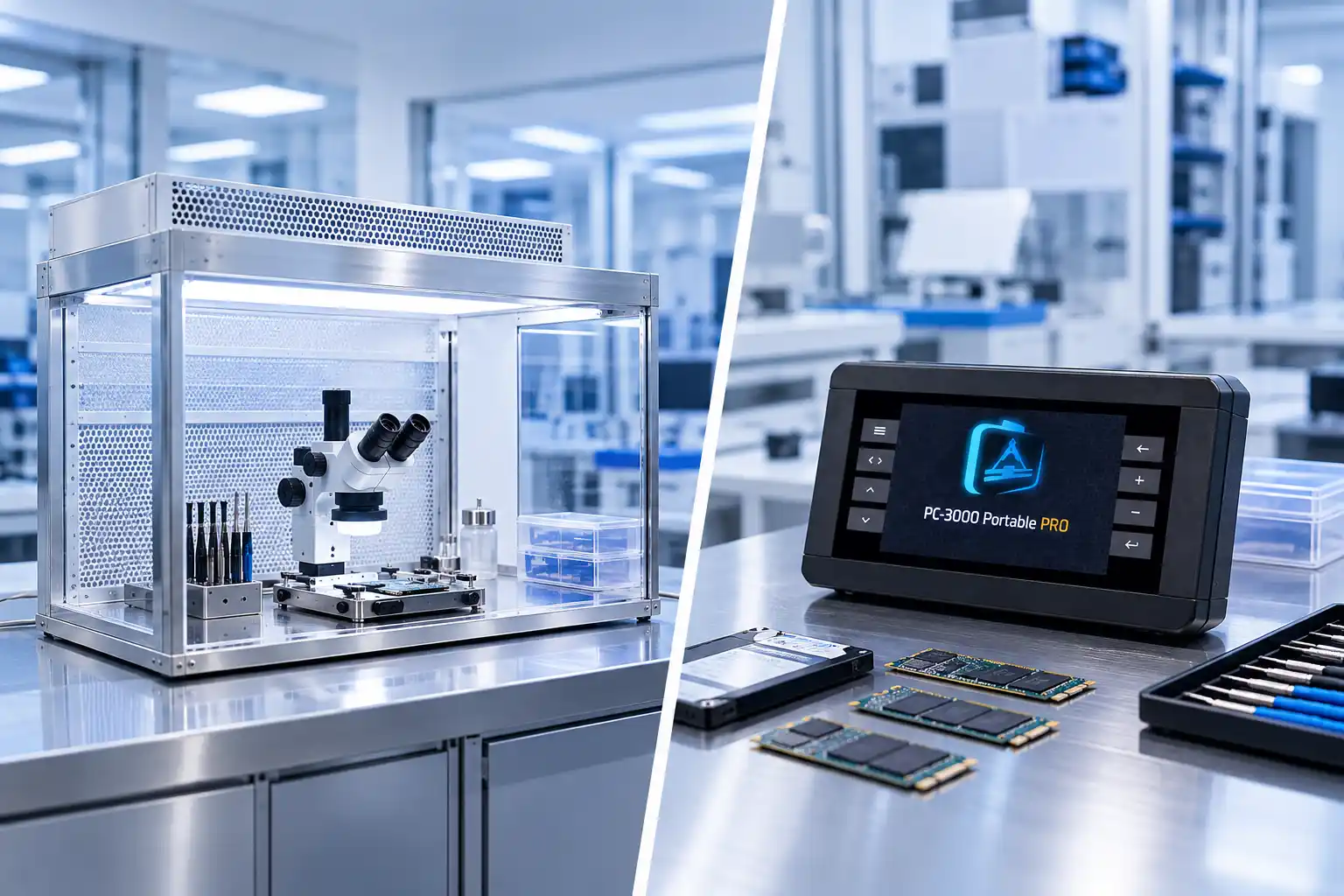
- Professional PC-3000 equipment
- Free initial diagnosis
- Clear cost before recovery
- No recovery fee if unsuccessful
- Confidential handling of personal and business data
- NDA available when required
- Service in Muscat and across Oman
Service Area
SSD Data Recovery in Muscat
Royal iRecovery provides SSD data recovery from its service center in Al Khuwair, Muscat. We support customers in:
- Al Khuwair
- Al Ghubrah
- Bawshar
- Al Azaiba
- Qurum
- Ruwi
- Muttrah
- Seeb
- Al Hail
- Al Khoud
- Al Mawaleh
- Al Amerat
Outside Muscat? Customers outside Muscat can contact us for instructions on securely sending their SSD or device to our center.
Pricing
SSD Data Recovery Cost
We inspect the SSD first, explain the available options, and provide the cost before beginning recovery.
Free
Initial diagnosis. You receive the cost before recovery begins, and there is no recovery fee if the recovery is unsuccessful.
Cost factors
The cost depends on:
- SSD type and capacity
- Controller and NAND condition
- Physical or electronic damage
- Encryption
- Required recovery method
- Amount of work involved
Act Fast
Do Not Leave Your Data to Chance
An SSD may fail without warning. If your files are no longer accessible, every unnecessary attempt can reduce the possibility of recovery.
Stop using the drive and let Royal iRecovery assess it first.
FAQ
Frequently Asked Questions
Can data be recovered from a dead SSD?
Recovery may be possible depending on the controller, firmware, electronics, and condition of the NAND memory. We must inspect the SSD before we can confirm recovery.
Can data be recovered from a burnt SSD?
In some cases, yes. Disconnect the SSD immediately and do not power it on again. The recovery options depend on which components were damaged.
Can you recover a formatted SSD?
Possibly. TRIM, encryption, continued use, and new data can affect the result. Stop using the SSD and request an assessment as soon as possible.
Can an undetected SSD be recovered?
An undetected SSD may still contain recoverable data. Specialized diagnosis is required because ordinary recovery software cannot access a drive that the computer cannot detect.
Do you recover M.2 and NVMe SSDs?
Yes. Royal iRecovery recovers data from SATA, M.2, and NVMe SSDs in laptops, desktops, workstations, and other systems.
Will my data remain confidential?
Yes. We handle personal and business data confidentially. A Non-Disclosure Agreement can also be arranged when required.