
External HDD Recovery Oman
External Hard Drive Data Recovery in Oman
One drop, one power failure, or one accidental click can erase years of files. That does not always mean the data is gone.
Royal iRecovery provides professional external hard drive recovery in Muscat and across Oman. We recover personal and business data from external drives that are damaged, dropped, wet, formatted or no longer detected.
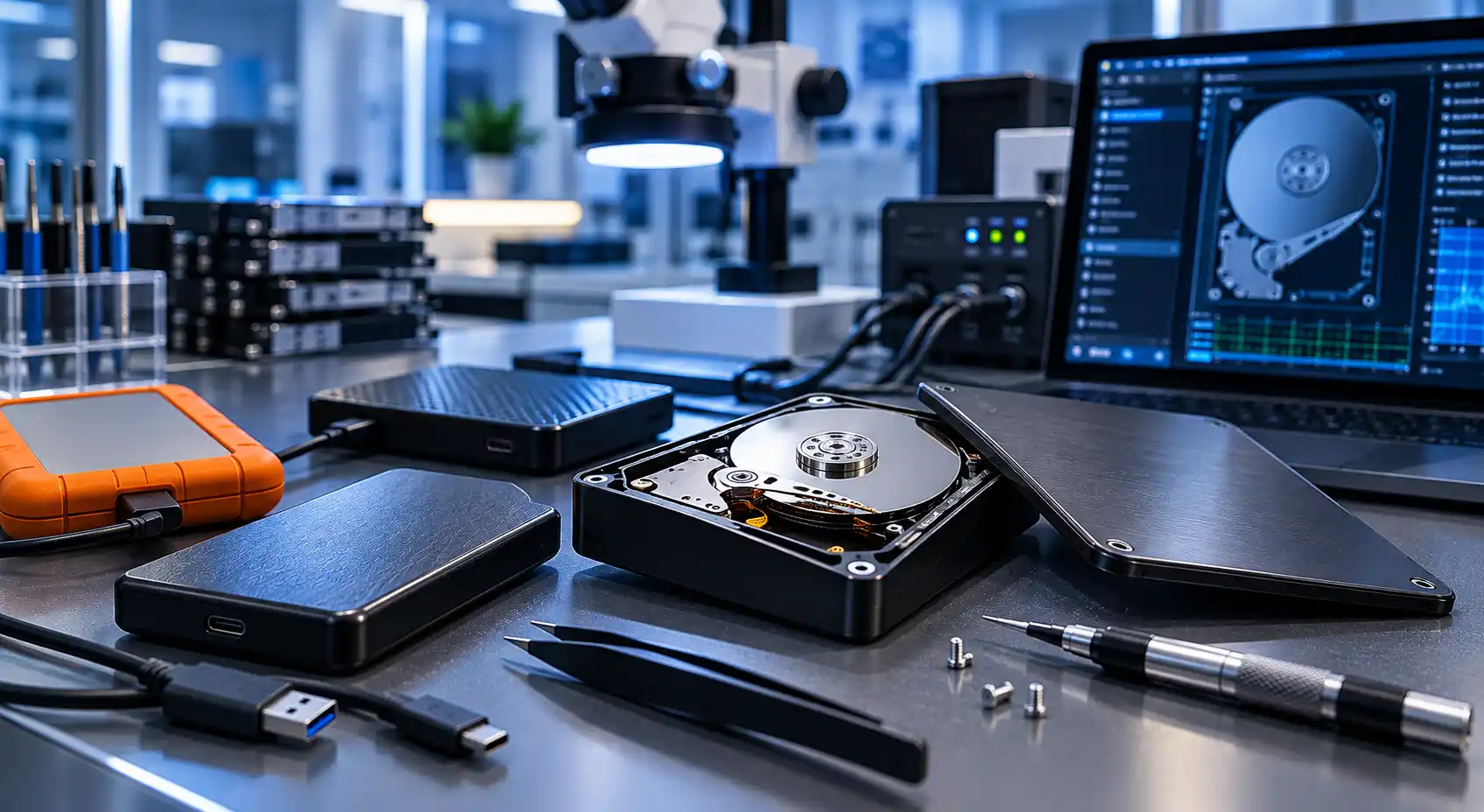
- 25+ years of Swedish expertise
- Free initial diagnosis
- PC-3000 recovery technology
- Class 100 cleanroom
- Confidential file handling
- No data, no recovery fee
Before You Do Anything
Your Next Action Matters
Your next action can affect your data. A failing external drive can get worse with every attempt to use it.
Do not open the enclosure, initialize the drive, or run repair software when the files are important. Repeated attempts can turn a manageable failure into permanent damage.
Warning signs
Stop using the external drive if it:
- Makes clicking, beeping, or grinding sounds
- Was dropped or hit
- Has been exposed to water
- Disconnects during file transfers
- Does not appear on the computer
- Asks to be formatted
- Shows the wrong storage capacity
- Contains deleted or formatted files
Logical · Electronic · Mechanical
External Hard Drive Problems We Handle
An external hard drive includes more than the disk itself. The fault may be inside the drive or in the USB connector, enclosure, circuit board, firmware, or file system.
Royal iRecovery assesses cases involving:
- Mechanical hard drive failure
- Damaged read/write heads
- Bad sectors
- Motor or spindle problems
- Firmware corruption
- Burnt circuit boards
- Broken USB connectors
- File-system damage
- Deleted files and partitions
- Accidental formatting
- Water or liquid exposure
- Physical impact
Diagnosis first. We identify the actual failure before choosing a recovery method.
Damaged Drives
Damaged External Drive Recovery
A damaged drive may spin without appearing on the computer, disconnect repeatedly or become extremely slow.
Changing the cable or enclosure may help only when the fault is external. If the problem is inside the hard drive, continued testing can place the data at greater risk.
Controlled recovery. Our specialists examine the electronics, firmware, and internal condition before creating a controlled image of readable data.
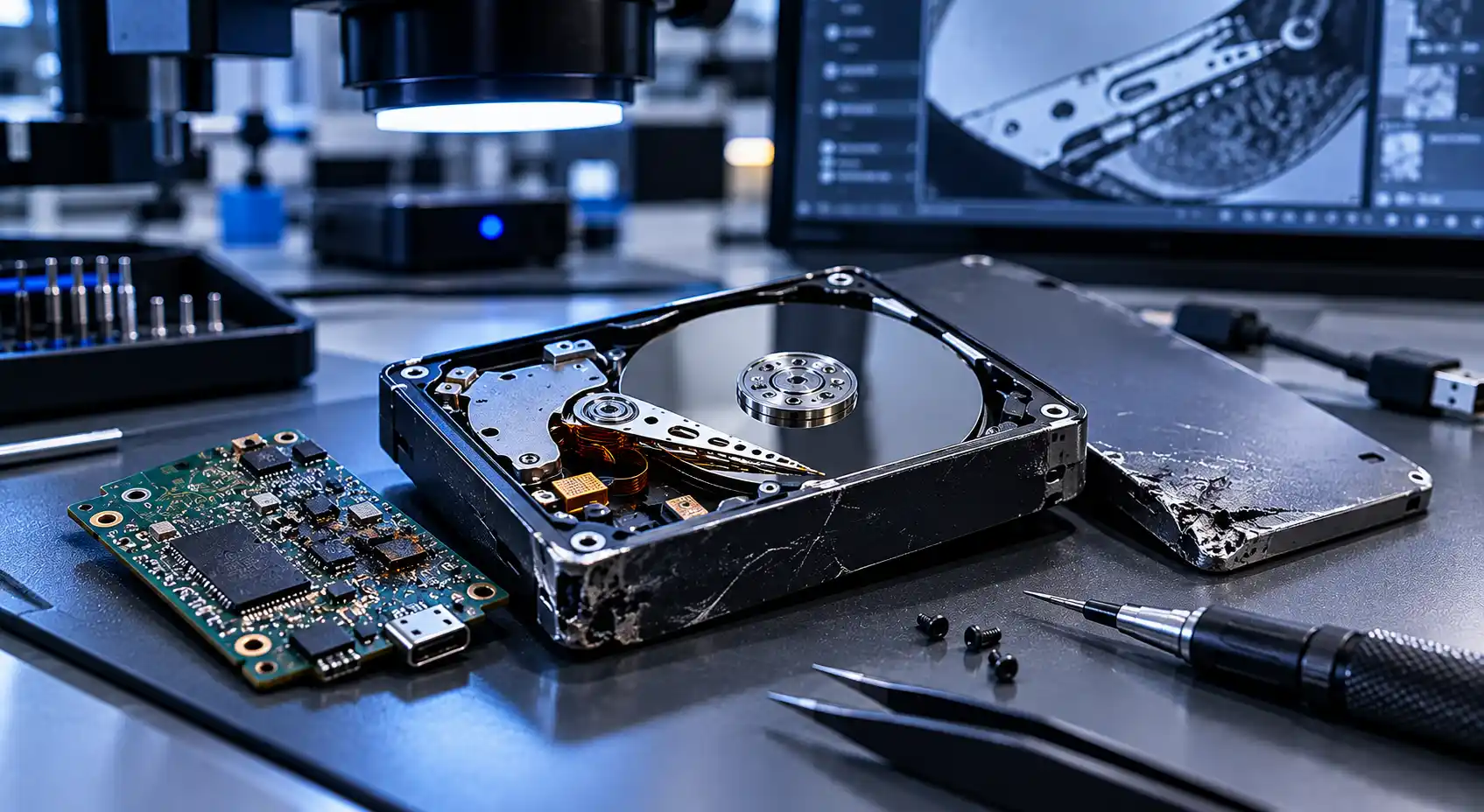
Common symptoms
- Spins but is not detected
- Disconnects repeatedly
- Becomes extremely slow
Impact Damage
Dropped Hard Drive Recovery
A dropped hard drive may continue working for a few moments before it fails.
Inside the enclosure, the read/write heads move extremely close to the disk surface. A physical impact can damage those heads or the surface containing your data.
If the drive clicks after being dropped, turn it off immediately. Internal work may need to be performed in a Class 100 cleanroom.
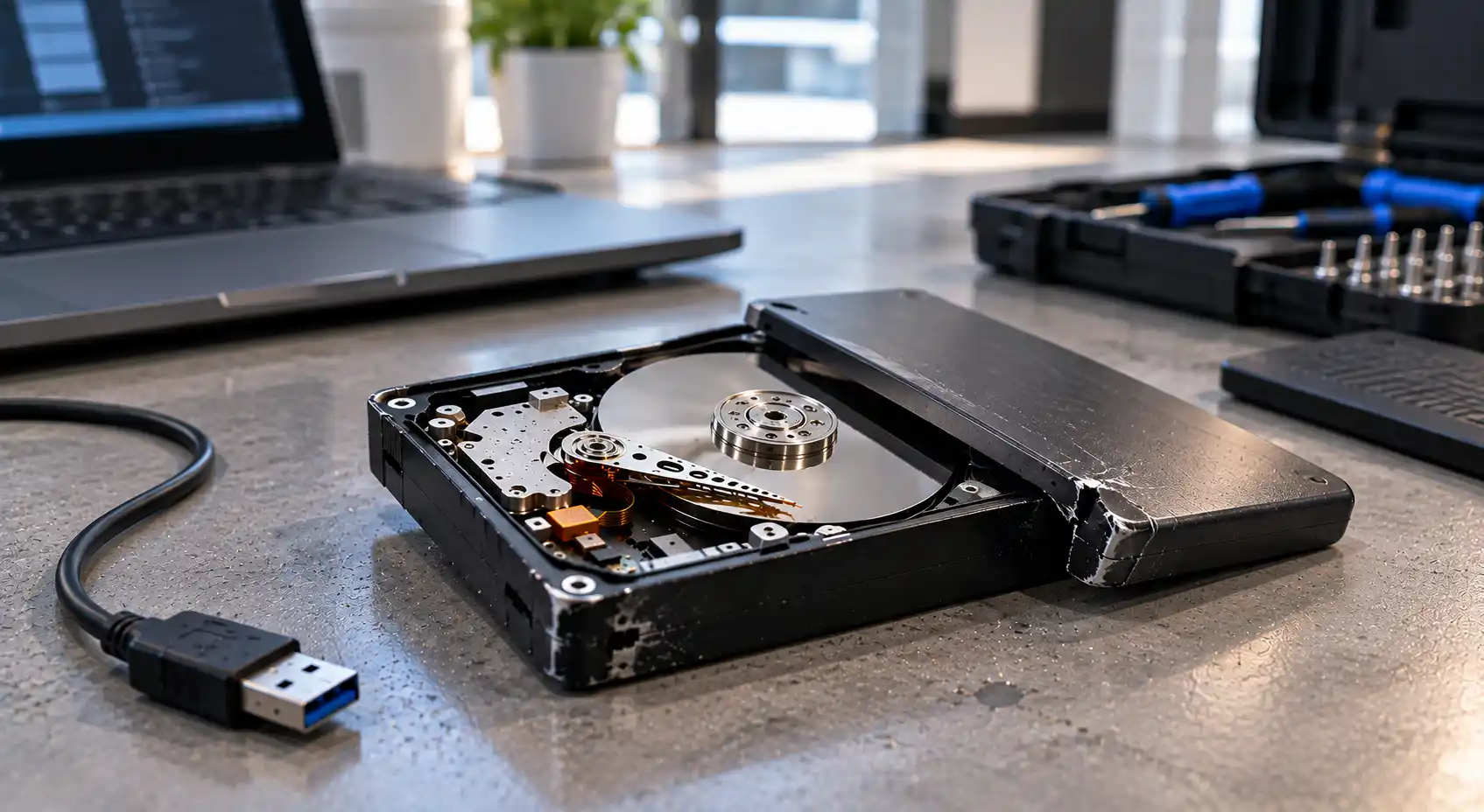
After a drop:
- Disconnect the drive
- Keep it still
- Do not shake it
- Do not test it repeatedly
- Do not open the enclosure yourself
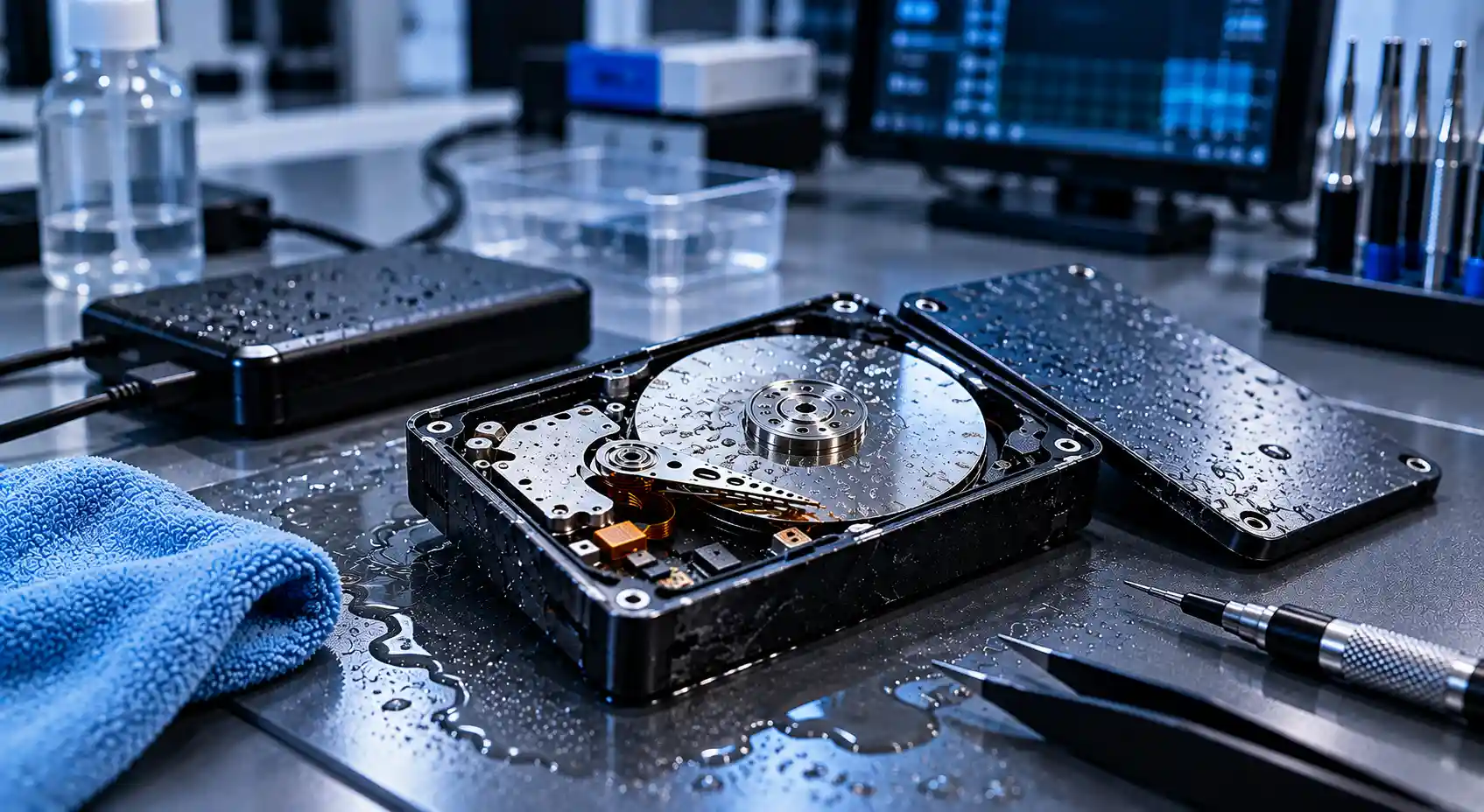
Water can damage the USB board, power circuit, and internal components. Salt water and sugary liquids can cause even faster corrosion.
Keep the drive disconnected and contact Royal iRecovery for handling instructions.
Liquid Damage
Wet Hard Drive Recovery
Never connect a wet drive to power — even if the outside looks dry.
Do not:
- Connect the drive to test it
- Use a hair dryer or heater
- Put it in rice
- Open the sealed hard drive
- Leave liquid damage untreated for days
Formatted Drives
Formatted Drive Recovery
Formatting changes the drive’s file structure, but some data may still remain recoverable.
Do not save anything new to the drive. New files may overwrite the data you want to recover.
Recovery factors
The result depends on:
- Whether the format was quick or complete
- The drive type
- Whether encryption was enabled
- How much new data was written
- What happened after formatting
Deleted Files
Recover Deleted Files
Deleted photographs, videos, documents, and project folders may still exist until their storage space is overwritten.
Stop using the drive immediately. Do not download recovery software onto the same external hard drive or restore recovered files back to it.
Royal iRecovery assesses the file system and creates a safe recovery plan based on the drive’s condition.
Not Detected
Drive Not Detected
A drive that is not detected may have a damaged cable, USB port, enclosure, circuit board, firmware, or internal mechanism.
If the drive spins, clicks, or repeatedly connects and disconnects, avoid further testing. Professional diagnosis is safer than trying multiple adapters, computers, and software tools.
A drive does not need to appear in Windows or macOS for our specialists to assess it.
All Major Brands
External Hard Drive Brands We Support
Royal iRecovery works with external hard drives and portable storage devices from major manufacturers, including:
- Seagate
- Western Digital (WD)
- Transcend
- ADATA
- Samsung
- Toshiba
- SanDisk
- Hitachi
- Silicon Power
- Kingston
Brand is only part of the picture. Recovery depends on the drive model, storage technology and type of failure — not only the brand printed on the enclosure.
Recoverable Files
What Files Can Be Recovered?
Depending on the condition of the drive, we may recover photos, documents, projects, backups, and other important files.
No recovery center can guarantee results before examining the drive. We inspect it first and explain what we can recover.
Family photos and videos
Business documents
Design and editing projects
University and research files
Accounting records
Databases and archives
Backups
Personal folders
CCTV exports
Audio and media libraries
Our Laboratory
Tools for Difficult Cases
Royal iRecovery uses specialized equipment, including PC-3000 systems, to diagnose supported firmware, electronic, and media problems.
When a mechanical hard drive must be opened, we perform sensitive internal procedures in a Class 100 cleanroom. This controlled environment helps protect the disk surfaces from airborne contamination.
We handle the original drive carefully, and recovery work focuses on extracting data without placing unnecessary stress on damaged components.
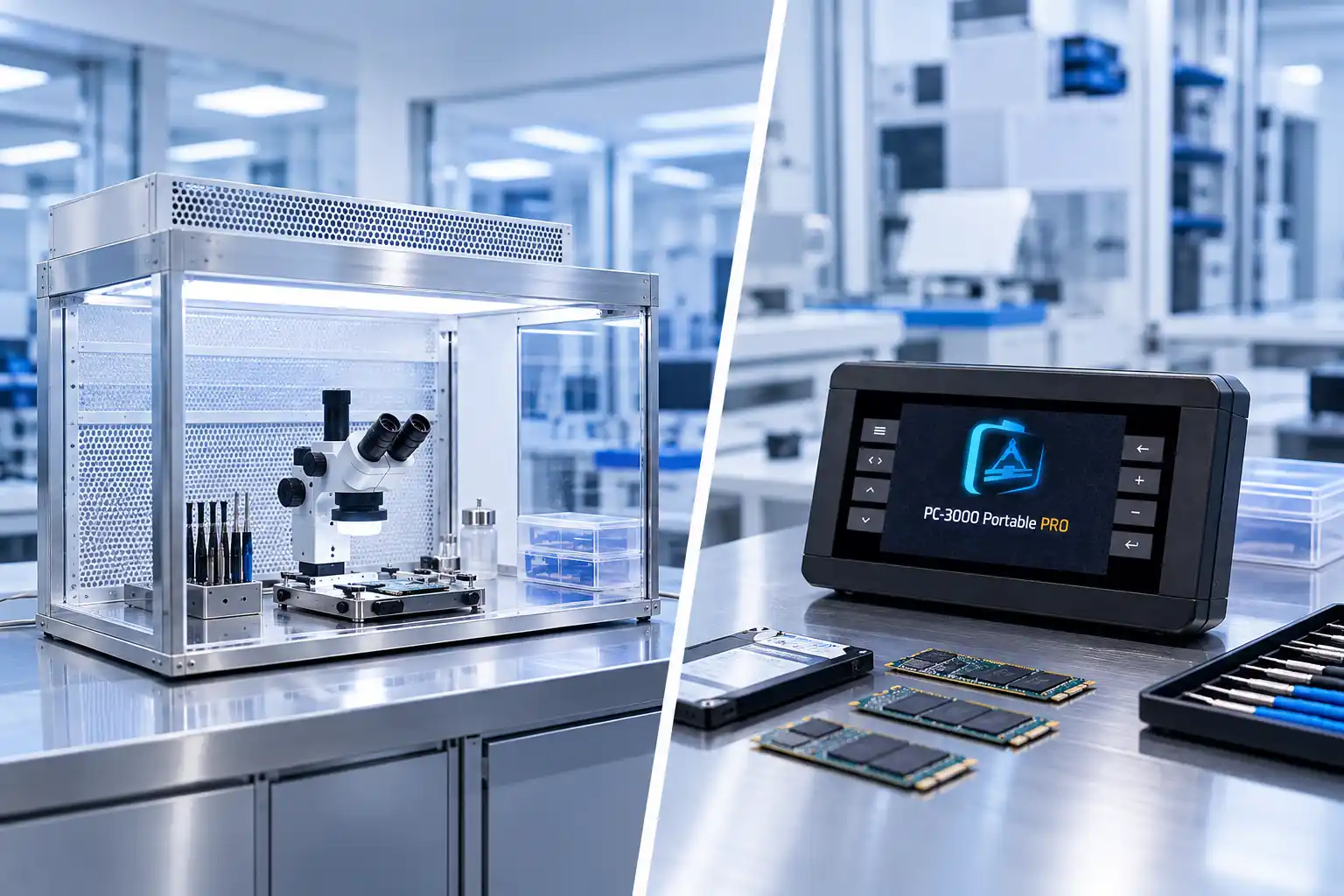
- PC-3000 devices
- Class 100 cleanroom
- Controlled imaging
How It Works
Our External Hard Drive Recovery Process
A clear, six-step process from your first message to the secure delivery of your recovered files.
Tell Us What Happened
Provide the drive brand, model, symptoms, and the files you need.
Submit the Drive
Bring the external hard drive to our center in Muscat, or contact us to arrange shipping from another area of Oman.
Free Initial Diagnosis
Our specialists identify whether the failure is logical, electronic, firmware-related, or mechanical.
Review the Recovery Plan
We explain the recovery possibility, recommended method, cost, and expected timeframe.
Data Recovery
After your approval, we recover the accessible data using the appropriate tools and procedure.
File Verification and Delivery
We check recovered files and return them on an agreed storage device.
Why Royal iRecovery
Why Choose Royal iRecovery?
Swedish technical expertise, professional equipment and a clear, confidential process for every external drive.
- More than 25 years of data recovery experience
- Swedish technical background
- PC-3000 professional equipment
- Class 100 cleanroom facilities
- Experience with major hard drive brands
- Free initial diagnosis
- Cost confirmed before recovery begins
- No recovery fee if unsuccessful
- Secure handling of personal and business data
- NDA available when required
Service Area
External Hard Drive Recovery in Muscat
Royal iRecovery provides external hard drive data recovery from its service center in Al Khuwair, Muscat. We support customers in:
- Al Khuwair
- Al Ghubrah
- Bawshar
- Al Azaiba
- Qurum
- Ruwi
- Muttrah
- Seeb
- Al Hail
- Al Khoud
- Al Mawaleh
- Al Amerat
Outside Muscat? Customers outside Muscat can contact us for instructions before securely sending their drive to our center.
Pricing
External Drive Recovery Cost
We inspect the drive first, explain the available options, and provide the cost before starting the recovery.
Free
Initial diagnosis. You receive the cost before recovery starts, with no recovery fee if unsuccessful.
Cost factors
The cost depends on:
- Type of drive
- Nature of the failure
- Physical condition
- Required parts and equipment
- Storage capacity
- Complexity of the recovery
Act Before Further Damage
Do Not Give a Damaged Drive One More Try
That “one last attempt” is often the attempt that makes recovery harder.
If the drive contains important files, disconnect it and let Royal iRecovery examine it before the damage progresses.
FAQ
Frequently Asked Questions
Can data be recovered from a damaged external hard drive?
Recovery may be possible depending on the damage to the electronics, read/write heads, and disk surfaces. The drive must be examined before we can estimate the outcome.
Can you recover a hard drive after it has been dropped?
Yes, dropped drives can be assessed. If the drive clicks or makes unusual sounds, do not power it on again.
Can data be recovered from a wet external hard drive?
Possibly. Keep the drive disconnected and do not attempt to dry it with heat. The type of liquid and the extent of corrosion affect recovery.
Can files be recovered after formatting?
In some cases, yes. Stop using the drive because new files may overwrite the formatted data.
Can deleted files be recovered from an external drive?
Deleted files may remain recoverable until their storage space is overwritten. Disconnect the drive and request an assessment as soon as possible.
Do you support Seagate and Western Digital external drives?
Yes. We assess Seagate, Western Digital, and other major brands, including Toshiba, Transcend, ADATA, Samsung, SanDisk, Hitachi, Silicon Power, and Kingston.
How long does external hard drive recovery take?
The timeframe depends on the type of failure and the drive’s condition. We provide an estimate after the initial diagnosis.