
Hard disk drives (HDDs) and solid-state drives (SSDs) differ in how they store data, and therefore, the methods for recovering files from each type also differ.
An HDD contains moving mechanical parts, such as magnetic platters, read/write heads, and the drive. This type of drive can suffer mechanical failure due to drops, impacts, or prolonged use. Signs of damage include abnormal noises, extreme slowness, or the drive becoming unrecognizable by the computer.
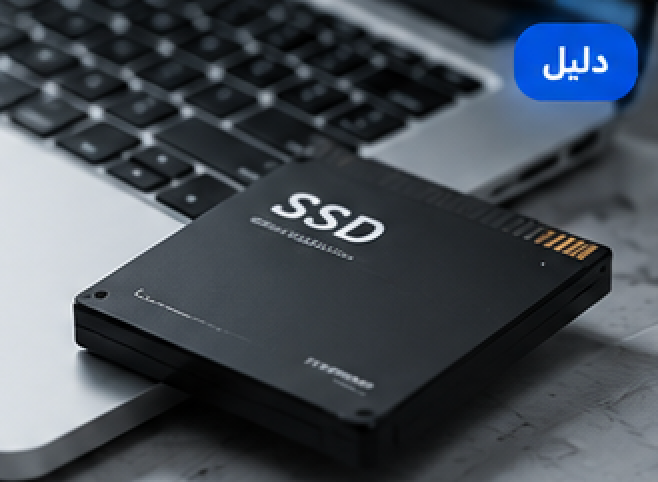
SSDs, on the other hand, rely on electronic memory chips and have no moving parts. Therefore, they are faster and more shock-resistant, but they can still experience failures in the controller, memory chips, or electronic circuitry.
Recovering data from an HDD may require temporary mechanical repair or replacing some parts in a clean environment, followed by creating a complete digital copy of the drive before extracting the files.
With an SSD, the process is more complex in some cases due to technologies such as TRIM, internal encryption, and data distribution across memory chips. When TRIM is enabled, data may be permanently deleted shortly after file deletion, reducing the chances of recovery.
Therefore, you should stop using the device immediately after data loss, whether it’s an HDD or an SSD. Also, recovery programs should not be installed on the same disk, as this may overwrite lost files.
Choosing the right method depends on the type of device and the problem; therefore, it is recommended to have a professional scan performed before attempting recovery.